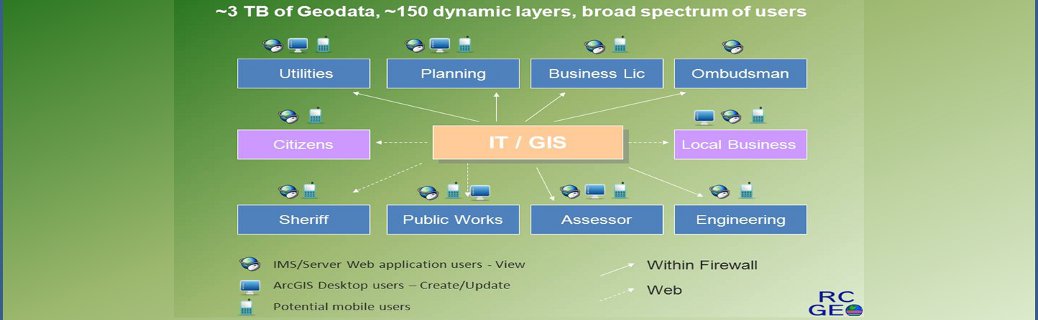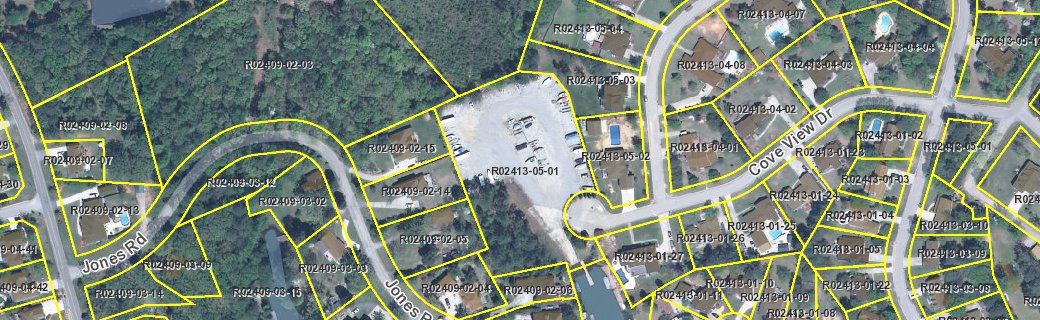
Richland County GEOgraphic Information Systems (GIS) is both a division of the Information Technology (IT) Department and a county-wide program of spatial data and application development. The GIS team consists of a core group of professionals within IT as well as personnel in other departments. The IT/GIS team is responsible for the development of the County's baseline digital spatial databases and ... Read More

Articles

New Guide Available: Add Locations From a Table To a Map Using Google

Geocoding is the process of translating written addresses to physical locations on a map. Geocode your tabular address records using resources available to you through your Google account. Click Here to view instructions for getting started with this free geocoding service.

New "GeoInfo" Application Now Available!

Richland County IT/GIS has published a new application which will provide information specific to an address including political districts, assessment information, and proximity to public amenities.  This application will replace the current "DistrictInfo" application in early 2013 which will be available for use at http://www3.richlandmaps.com/districtinfo/ during the transition.  Please visit the new GeoInfo application by clicking here or via the quicklink on the right side of the page.  Feedback/comments are welcome via GIS@rcgov.us.

Cartographic Web Map Services (WMS) - beta

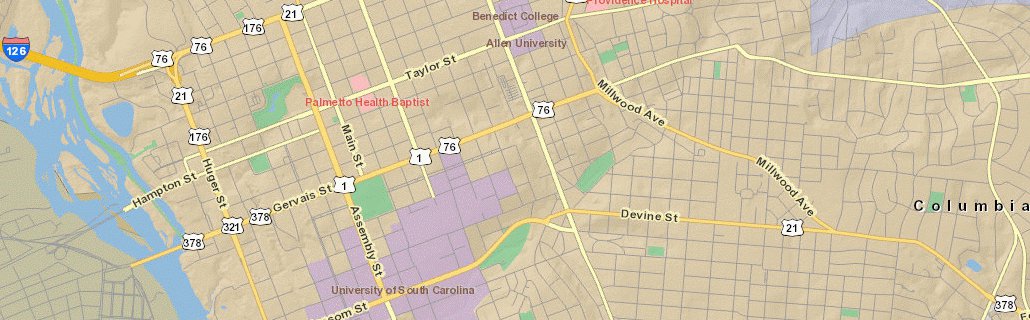
Richland County IT/GIS has created a set of map services that can be added to ArcMap (or an alternate mapping application) as a cartographic basemap.

Some of the layers included:

  • Streets
  • Parcel boundaries
  • Address labels
  • Building footprints

Learn more about this new resource by visiting our WMS information page.

New 2011 1 Meter Imagery Available

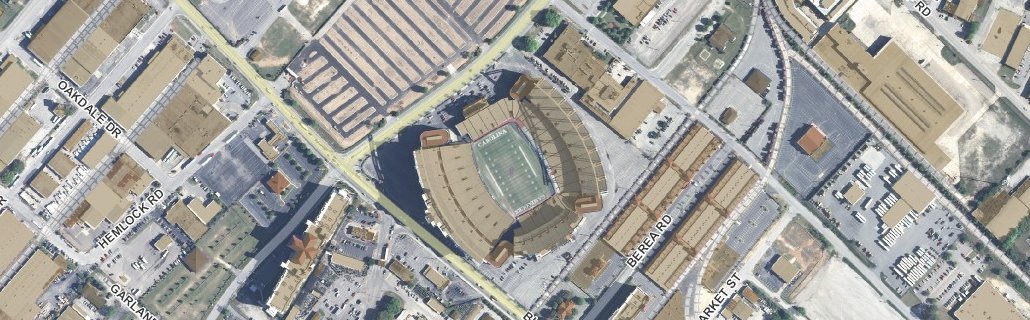
We've added new 2011 Imagery to our Internet Mapping Service.  The one meter, true color imagery collection was made possible by a Department of Justice grant for the South Carolina 6th Congressional District and delivered to Richland County free of charge.  Users of our IMS 2.0 site (http://www3.richlandmaps.com/rcgeoportal/) may access this imagery under the "Historical Air Photos" grouping:

Featured map: IMS 2.0 Measurement tool

The Measure tool lets you draw on the map to measure lines and areas. You can use this tool in several ways. For example, you can draw a line or polygon on the map and get its length or area, or you can even click directly on a feature and get measurement information.